A photo scanner for iPhone and iPad.
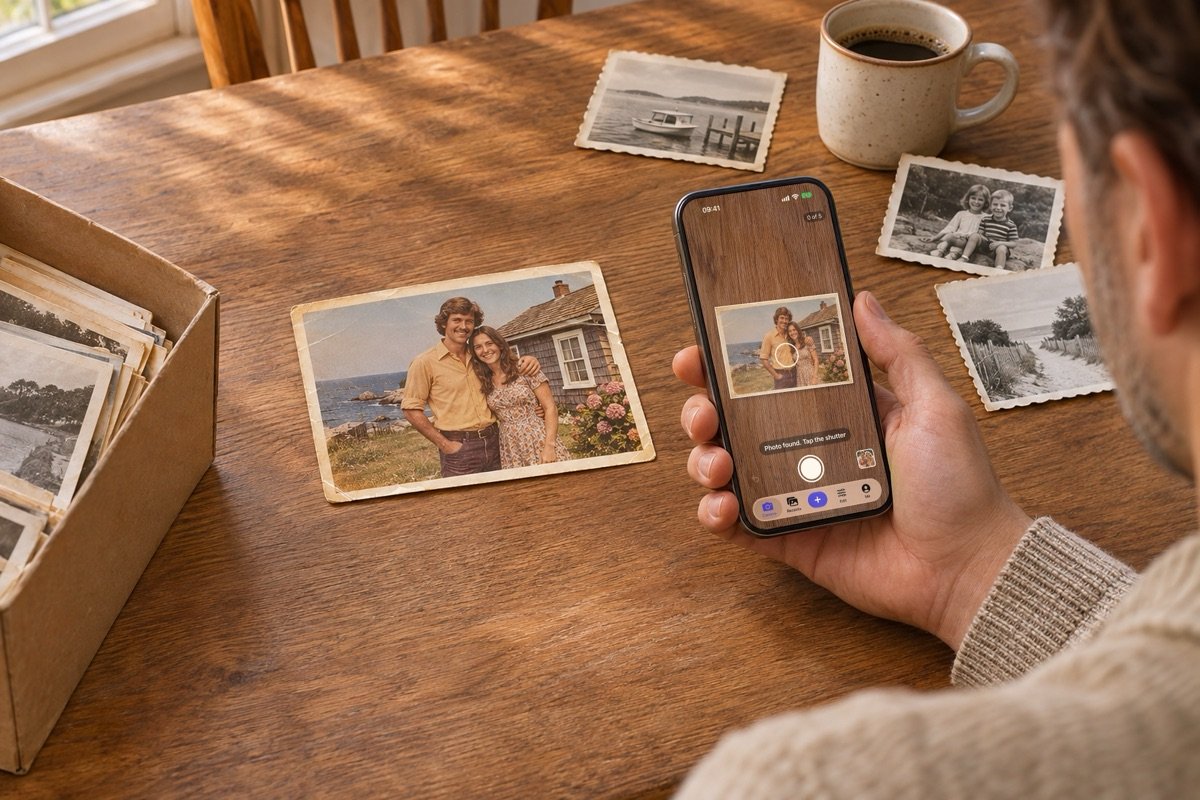
Glossy prints and photos behind glass catch the light. Scannuvio takes five quick shots from slightly different angles, lines them up and keeps the clean parts of each, so the glare disappears. The scan is flattened, cropped to the print's edges and saved to Photos.
Old prints fade: blacks turn grey, colours go dull and a red or yellow cast creeps in. Tap Auto and Scannuvio brings back the contrast and the colour, then fine-tune it with a slider.
Family albums, shoeboxes of old prints, wedding photos, holiday snapshots and framed pictures: scan them once and keep them in Photos, ready to share. Light, colour, crop and rotate tools are built in, and edits never change the original scan.
Private by design. Everything happens on your iPhone or iPad. No account, no uploads, no tracking.
Lay the print on a table and open Scannuvio. Take the first shot straight on, then move the ring onto each of the four dots; those shots take themselves. A short pencil-sketch tour shows you where to tap the first time.
Yes. Glossy prints, photos in album sleeves and framed photos behind glass all catch the light; taking shots from slightly different angles is what removes those reflections.
It's free to download and your first 2 scans are free. After that, choose Monthly or Lifetime in the app.